👨💼 Welcome to the Epic Task Manager! This is a real-world React application where you'll practice all the TypeScript skills you've learned in this workshop. You'll implement utility functions that power a task management dashboard.
What You'll Build
This app helps teams manage projects and tasks. You'll implement:
- Type definitions for projects, tasks, and users
- Discriminated unions for project status tracking
- Generic functions for filtering and updating tasks
- Type narrowing for handling user roles and assignments
- Union types for priorities and user roles
Getting Started
🐨 Open
and implement all the type definitions and utility functions. Each function has 🐨 instructions explaining what to do.
🐨 Then open
and use your utility functions to make the app fully functional. Look for 🐨 comments indicating where to use your functions.
Running the App
npm run dev
The app will start on
http://localhost:5173 (or another port if 5173 is busy).What to Implement
In utils.ts:
- Type Definitions -
ProjectStatus,Priority,Task,UserRole,User(replace theanyplaceholders) - formatProjectStatus - exact strings:
- planning →
Project is in planning phase - active →
Project started on {startDate} - completed →
Project completed on {endDate} (started {startDate})
- planning →
- filterByPriority - return items whose
prioritymatches the given value - getUserDisplayName -
null→Unassigned; otherwise{name} ({role}) - canManageTasks -
truefor'admin'/'manager', otherwisefalse - updateTaskProperty - return a new task with one property updated
- getTasksByAssignee - filter by
assigneeId, including thenull(unassigned) case - createProjectUpdate - takes current status plus
'start' | 'complete'and returns the nextProjectStatus. On'start', moveplanning→activeand setstartDate. On'complete', moveactive→completed, keepstartDate, and setendDate. Choose ISO date strings inside this helper (the function signature does not take a date argument).
In app.tsx:
- Use
filterByPrioritywhen a priority other than'all'is selected - Use
getTasksByAssigneewithselectedUserId - Use
formatProjectStatusforstatusDisplay - Use
updateTaskPropertyto togglecompletedinhandleTaskToggle - Call
createProjectUpdatefrom the start/complete handlers and store the returned status (dates are produced by the helper, not passed from the UI)
What success looks like
With
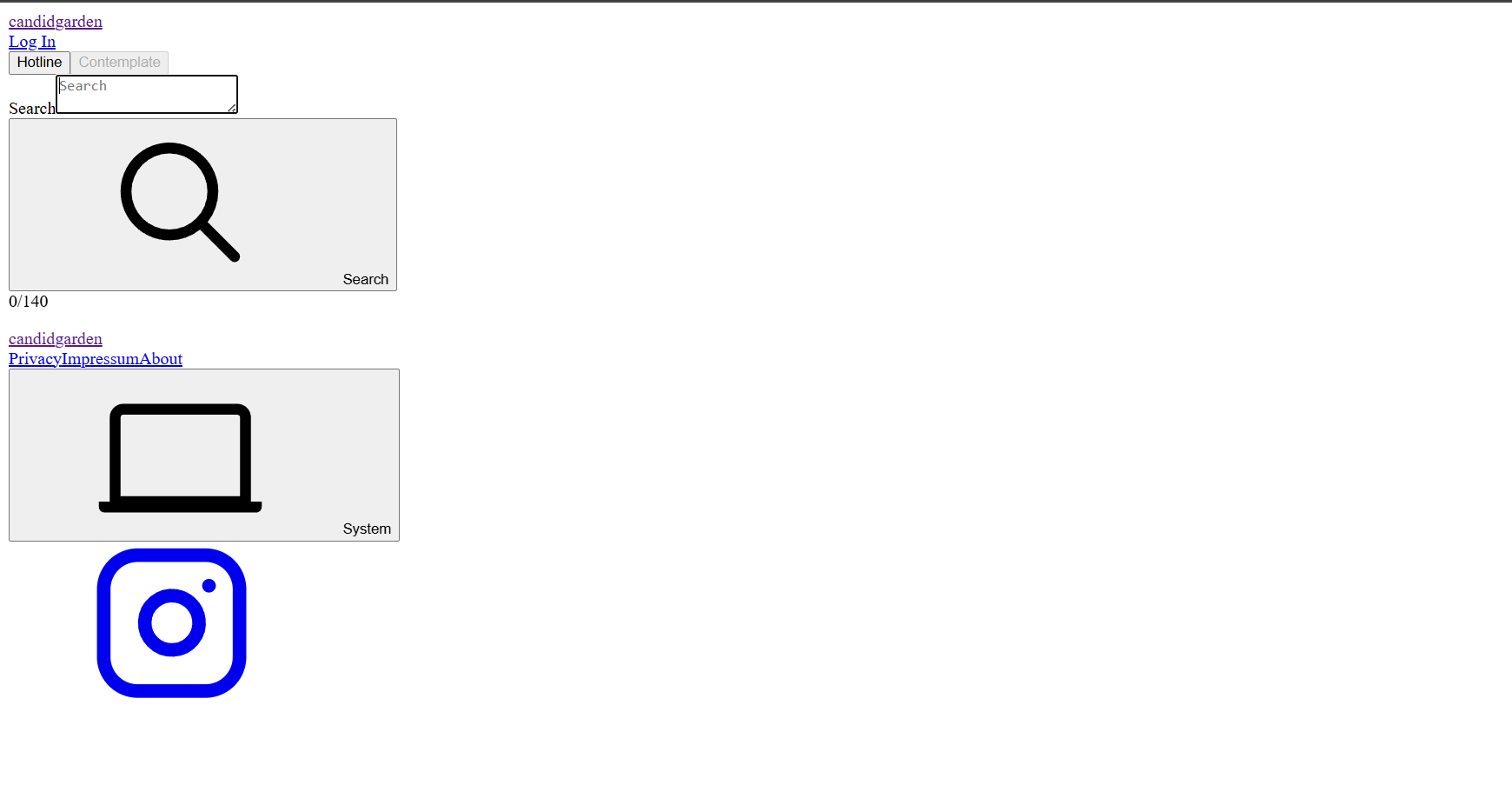
npm run dev open:- Priority and assignee filters change which tasks appear
- Project status text matches
formatProjectStatusfor planning / active / completed - Start / Complete project buttons transition status and update the status text
- Toggling a task updates its completed state through
updateTaskProperty - Assignee labels use
getUserDisplayName(includingUnassigned) - Manage-task UI respects
canManageTasksfor the current user's role
Tips
💰 Start with the type definitions - they'll help TypeScript guide you as you implement the functions.
💰 Use type narrowing (typeof, instanceof, or discriminated unions) to handle different cases safely.
💰 Generic constraints ensure your functions work with any type that has the required properties.
💰 Discriminated unions make it easy to handle different variants of a type safely.
No Tests, No Solutions
📝 This is practice time! There are no tests or solutions. Experiment, make mistakes, and learn. The goal is to build confidence by applying what you've learned.